
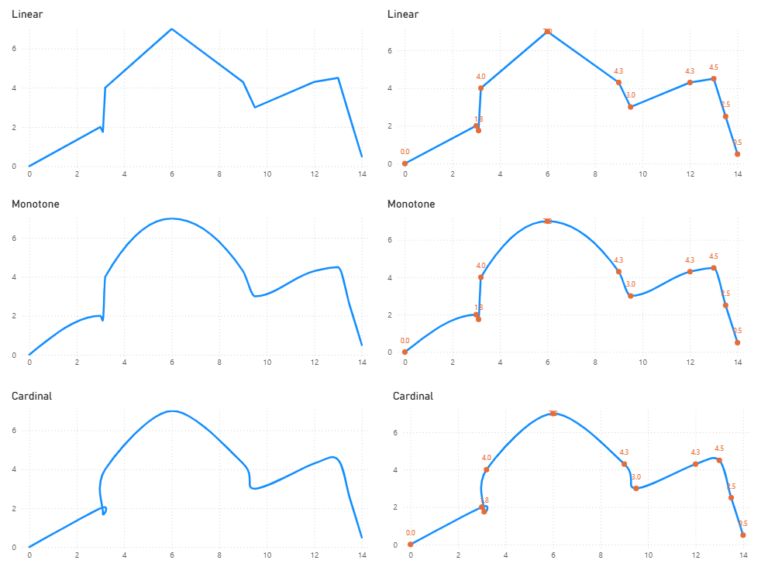
→ The explanation → Jump to the Point Power BI development is a relatively straight forward process when managed by one individual start to finish. But when the development process…
Category: Musings
Protected: Make your blogs stand-out from the crowd
There is no excerpt because this is a protected post.
How do you choose the right visual? Turning to nature for dataviz inspo
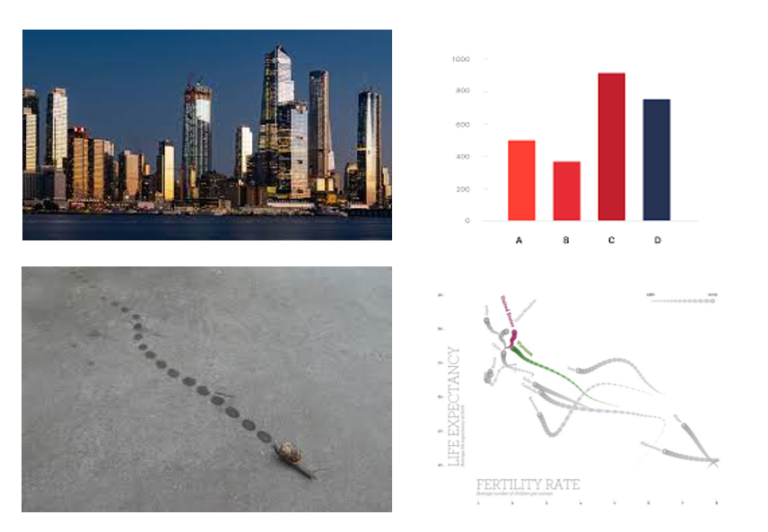
“When shortcutting the design process, I think back to the natural world.” In my years of data visualisation consultancy, I am often asked “How do I choose the right visual?”.…
Drop the Drop Shadows!
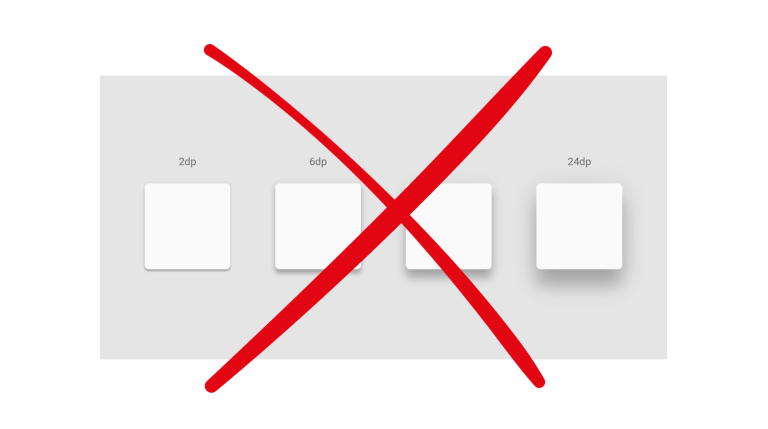
*WARNING* This article contains images that may be potential vestibular and photosensitivity risk. Drop shadows should be used with caution in UI/UX design. When overused or poorly implemented, drop shadows can…
On Patterns and Textures
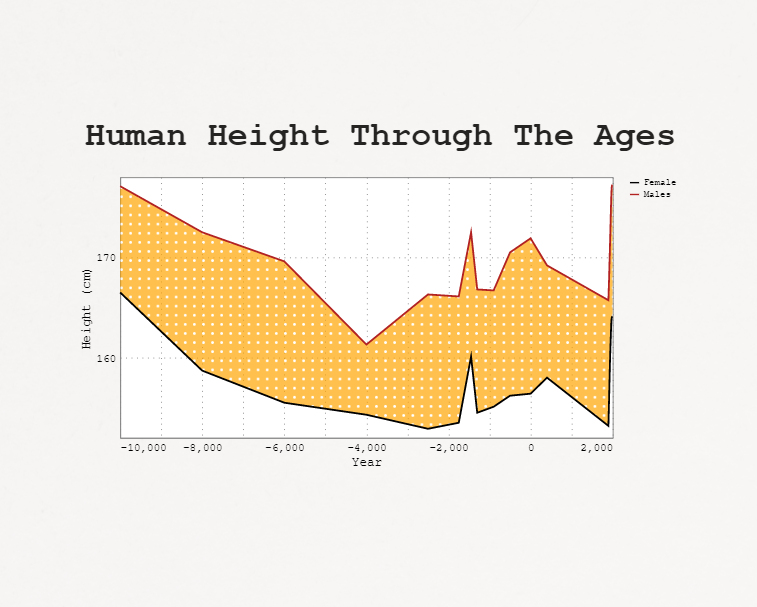
*WARNING* This article contains images that may be potential vestibular and photosensitivity risk. In playing with Deneb this last year I had great fun exploring pattern fill options. This was…
Power BI + Adobe = Magic
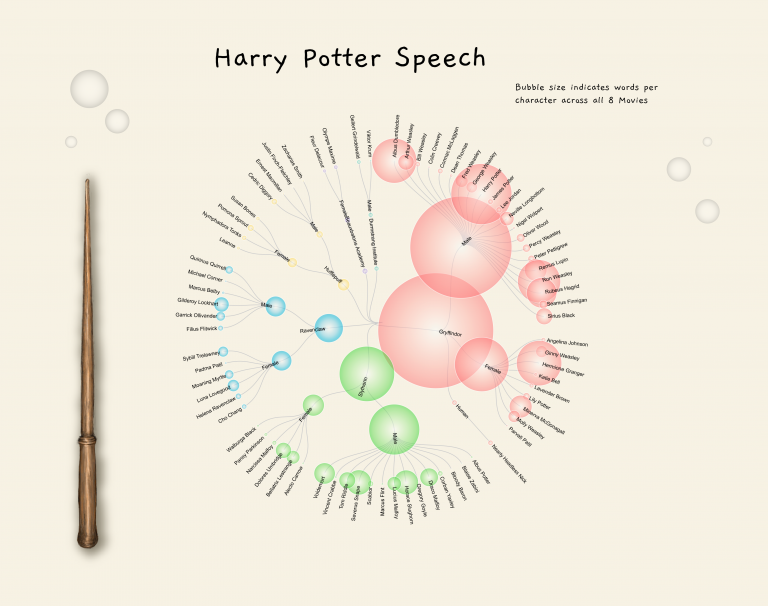
Adobe Illustrator has been a tool in my dashboard design kit for quite a while. I’ve used it predominately for creating report assets such as icons, headers and backgrounds. I’ve…
Visualising 2021

2021 was an extraordinary year for me. I’m a woman of few words, so rather than write about it, I’d thought I’d illustrate it. The below image is deeply personal,…
Exploring diversity
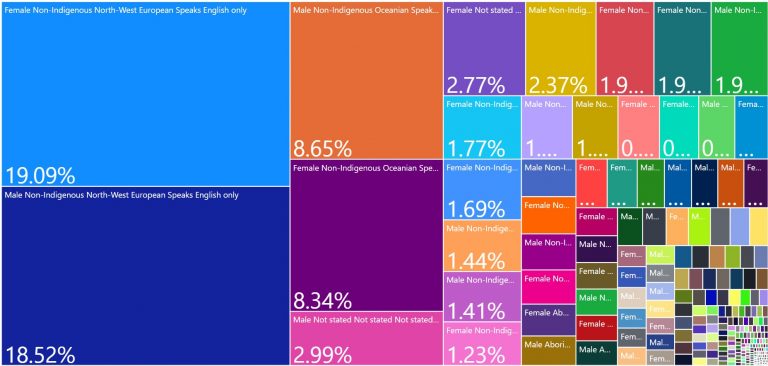
In recent days I received an email about a development program with sponsorship available for individuals who identify as being from a diverse background. This was followed by a long…
Reasons to avoid gradient backgrounds on Power BI reports
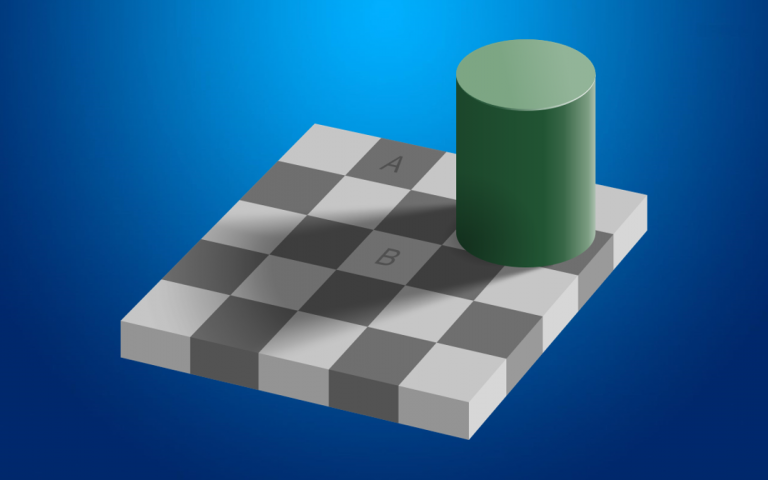
Gradient backgrounds are all the rage in dashboard design. They appear to be floating around everywhere. Looks cool right? Perhaps. I am not a fan, and for some time have…
My biggest wish for the Power BI suite?

A no-code wizard for common statistical analyses. Common statistical analyses such as Multiple Linear Regression, Factor Analysis, ANOVAs, MANOVAs, and the like are hard to perform in Power BI. At…